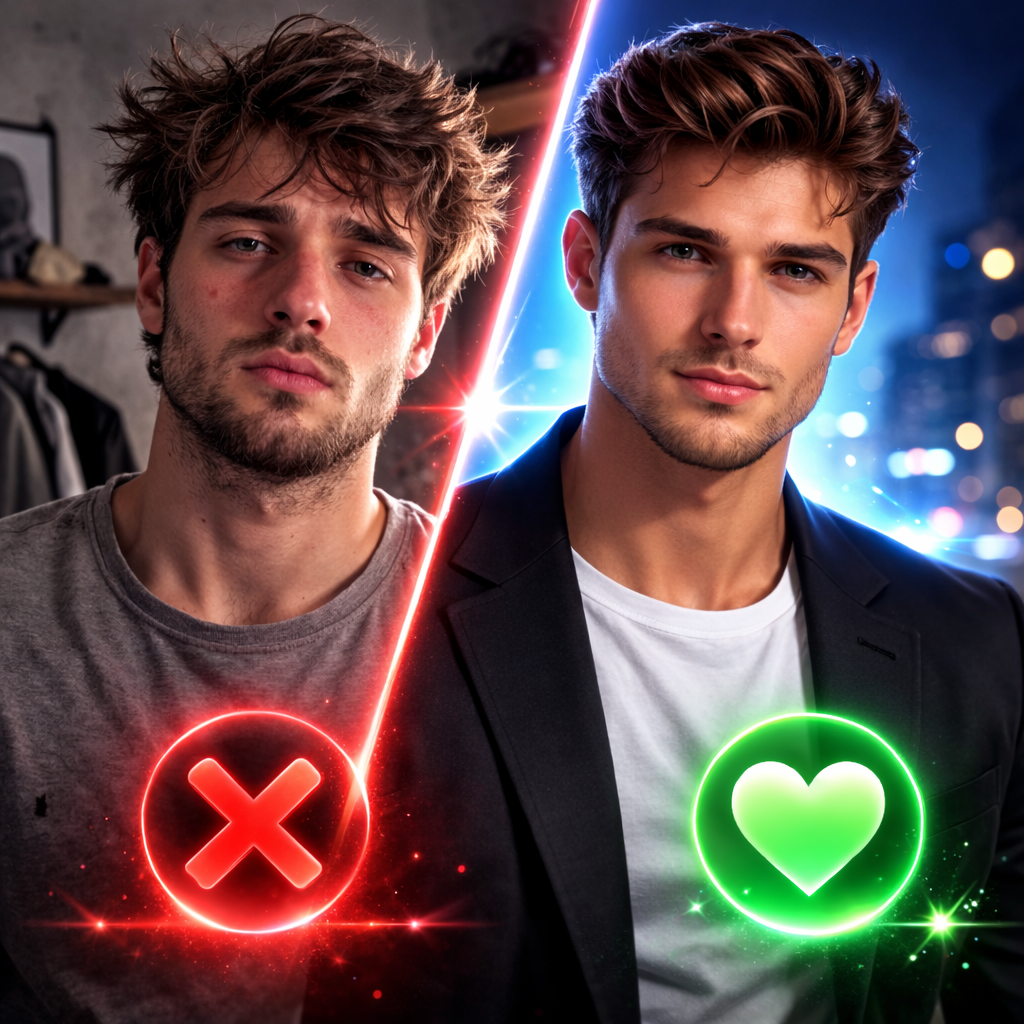
On Hinge, your first photo is what people see before they like or skip. If it's weak, they never see the rest. Here's how to choose and order your photos – and how Dating Photos AI helps you create a killer first impression.
Why Order Matters
- First photo = main decision – It should be a clear, flattering shot of you alone.
- Next slots – Use them for variety: lifestyle, full body, something that starts a conversation. But the first one has to earn the scroll.
What to Put First
- Solo, face clearly visible – Good lighting, simple background, natural smile or confident look.
- Not – Group shot, sunglasses, blurry, or overly casual. Save those for later slots if at all.
Get a Strong First Photo Without a Shoot
You don't need a photographer. Take a few good selfies (natural light, plain background), then use Dating Photos AI to generate several profile-ready options. Pick the strongest one for your first slot on Hinge. A professional-quality opening photo gets more likes and more conversations. Dating Photos AI is built for Tinder, Hinge, and Bumble – try it and upgrade your first impression.